|
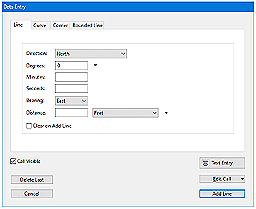
Easy to use data entry form
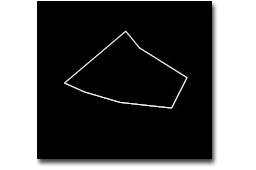
Enter
lines, curves, azimuths, compass points and
section calls. Data can be entered using the
convenient Data Entry Form or freehand using
word processor style entry. Deed plots can also
be easily drawn by hand using the call drawing
tool. |
|
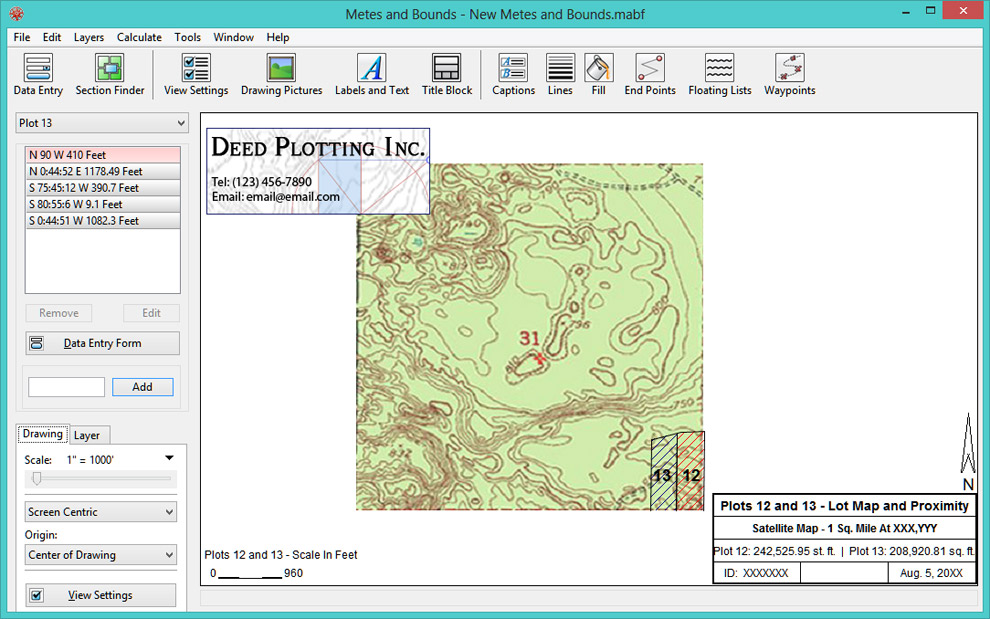
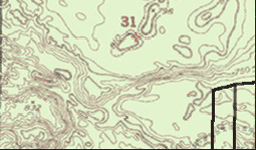
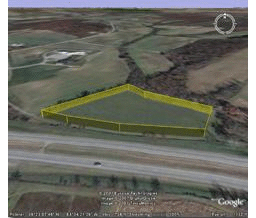
Background Pictures
Background pictures can be set to scale with
your plot drawing. Background picture scale
settings can be automatically set using
World Files.
|
|
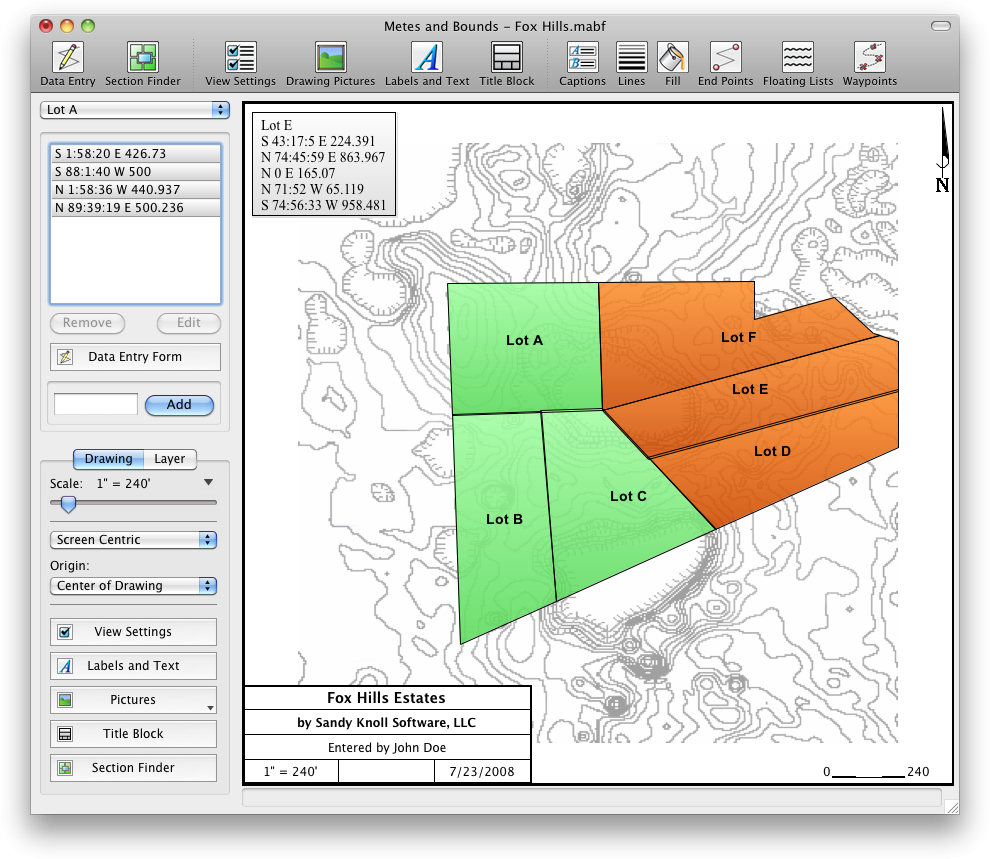
Multiple Deed Layers
Layers allow you to have multiple deeds
plotted on a single drawing. Layers can
be free floating or locked to a common
starting point.
|
|
Plot Calculations
Square Feet, Acres, Hectares,
perimeter distance and more.
Plot Closing Errors
Calculate closure errors: closing
error ratios and the call needed to
close the plot. Apply Compass Rule
Adjustments.
|
|
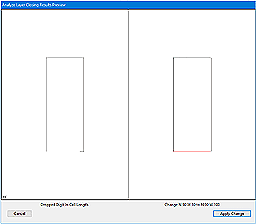
Closing Error Analyzer Tool
The deed plot closing error
analyzer tool can look for
common entry or survey errors
and offer suggestions on how to
correct them.
|
|
Auto-Completion of
Drawing
If you're missing the final
segment of your legal
description, let the
software find the call for you.
Have
a bad or missing call? Enter
a question mark (?) for the
call and let the software find the
missing call for you. Close
drawings using
Bearing-Bearing
Intersections and
Distance-Distance
Intersections or Compass
Rule.
|
|
Multiple Measurement
Types
Data can be inputted
using Feet, meters,
rods, chains and many
other measurement types.
There should be a
measurement type for any
of your plotting needs.
|
|
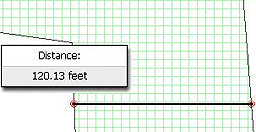
Easy to use
Measuring Tool
Measure the
distance between
any two points
on the screen.
|
|
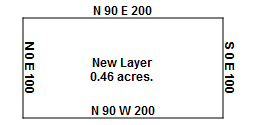
Automatic
and Custom
Labeling
Each line
can be
automatically
labeled with
the length
and call.
End points
can be
marked for
easier
recognition.
End points
can also be
labeled with
information
like the
interior/exterior
angles and
Lat/Long
coordinates.
Custom
labels can
be rotated
in any
direction.
Search
feature can
be used to
find which
layers
contain
which
labels.
|
|
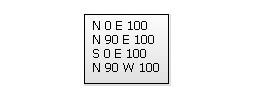
Call
Lists
Drawings
can
include
a call
list.
|
|
Custom
X,Y
Points
Use
custom
X,Y
points
to
mark
and
label
unique
land
features
on
the
deed
plot.
|
|
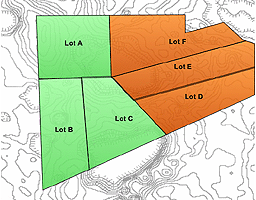
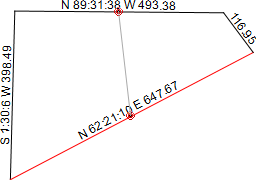
Plot Splitting: Split a single plot into multiple plots.
Split the plot by hand, or choose a starting point and let the software find the nearest halves automatically for you.
|
|
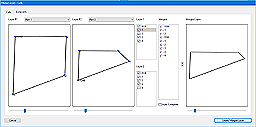
Merge Layers
Layers can be easily merged into a single layer using the Merge Layer Tools.
|
|
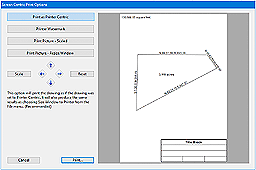
Printing
Deed printouts can include borders, north arrow and title block. |
|
Customizable Toolbar
Create an interface that fits to your workflow. |
|
Interoperability: Our Metes and Bounds deed plotting software has been designed to be as compatible with as many different systems and programs as possible.
Exporting: Deed Plot data can be exported as DXF files, KML Files, CSV files, Shapefiles(.shp) and more. Export real-world X,Y coordinates for integration with other mapping software such as CAD or GIS software.
Importing: Deed Plotting data can be import from many types of DXF files, KML files, CSV files Shapefiles(.shp), GeoJSON and more. Call lists can be formatted for importing or exporting from Metes and Bounds with other deed plotting software such as Net Deed Plotter® by Greenbrier Graphics, LLC. |
|
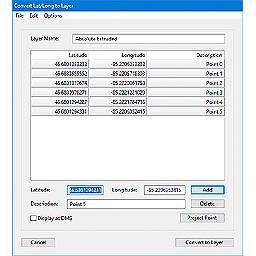
Waypoints to Metes and Bounds Calls
Convert a set of X,Y data points or Latitude/Longitude coordinates into a list of deed plotting calls. Calculate values such as the distance between two waypoints. Add GPS waypoints and tracks to your deed plots. |
|
Real-world Latitude and Longitude Coordinates
Enter the latitude and longitude for a plot's POB and the software will calculate the latitude and longitude for each of the other end points. A plot's POB lat/long can also be set by UTM datum or World Files. |
|
Recognition
Sandy Knoll Software, LLC's Metes and Bounds software can be found in Genealogy Online For Dummies® - 5th Edition, by Wiley Publishing. |
|
|
Purchase
Metes and Bounds Desktop Software |
| Free Edition |
Free |
Click one of the Download buttons above. |
Basic Edition
Does not
include curves, multiple layers or waypoints. |
$39.95 |
Purchase Basic
Includes 1 year of updates from date of
purchase. |
Basic to Pro Upgrade
Add
curves, multiple layers and waypoints. This option requires that
you already own the Basic edition. |
$40.00 |
Purchase Upgrade
Includes 1 year of updates from date of purchase. |
Pro Edition
Includes all
features. |
$79.95
Volume Discounts Available |
Purchase Pro
Includes 1 year of updates from date of purchase. |
1-Year Update Renewal
Allows access to all updates for 1 year from date of this
purchase. Updating is optional. |
$29.95 |
Purchase Renewal
|
Purchase serial number to unlock the Pro edition of Metes and Bounds
Sandy Knoll Software,
LLC Support FAQ:
Download/Install/Uninstall Information
Contact Information
|
Mobile Deed Plotting
Software |
|
|
 |
Basic
for iPhone, iPad, and iPod touch
v1.9.4
Designed for iPhone and iPad.
Does not include many of the features listed on this page.
Please see iOS Basic edition
website for
feature list. |
$4.99 |
 |
 |
Pro
for iPad
v1.6.3
Designed specifically for the iPad. Does not include many of
the features listed on this page. Please see iOS Pro edition
website for feature list. |
$9.99 |
|
|